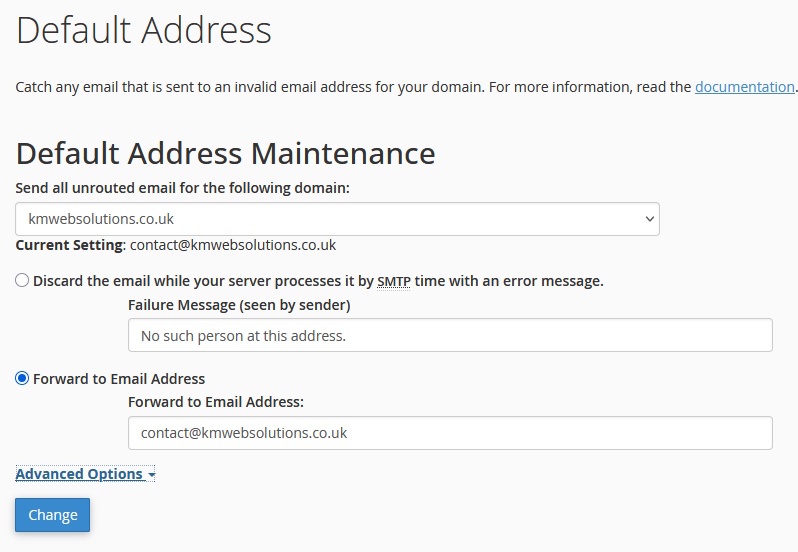
The catch all feature catches all emails to the domain that have either been miss-spelt or the email address has been removed or does not exist. It ensures that important incoming emails are not lost, but also has some drawbacks.
Turn on feature in cPanel
The process of setting this up is fairly easy, just login to cPanel and go to the Email section.
Select Default address.
A catch-all email is a convenient way to receive any messages sent to incorrect or invalid email addresses for your domain, e.g., if you have support@domain.tld and the sender wrote suport@domain.tld.
Select address all emails go to
Select the address you want all emails sent to.
Summary
Catch all can be useful as it catches all emails relating to the domain.
The only issue would be that in can include spam emails that are just using any email address, these can be managed and deleted.